Sync samples to your DAW

Find the perfect sample faster with the Tracklib Connect VST plugin - available in our desktop app. Preview samples in sync with your DAW project.

Three steps to get going

  1. 01

    Download via the desktop app

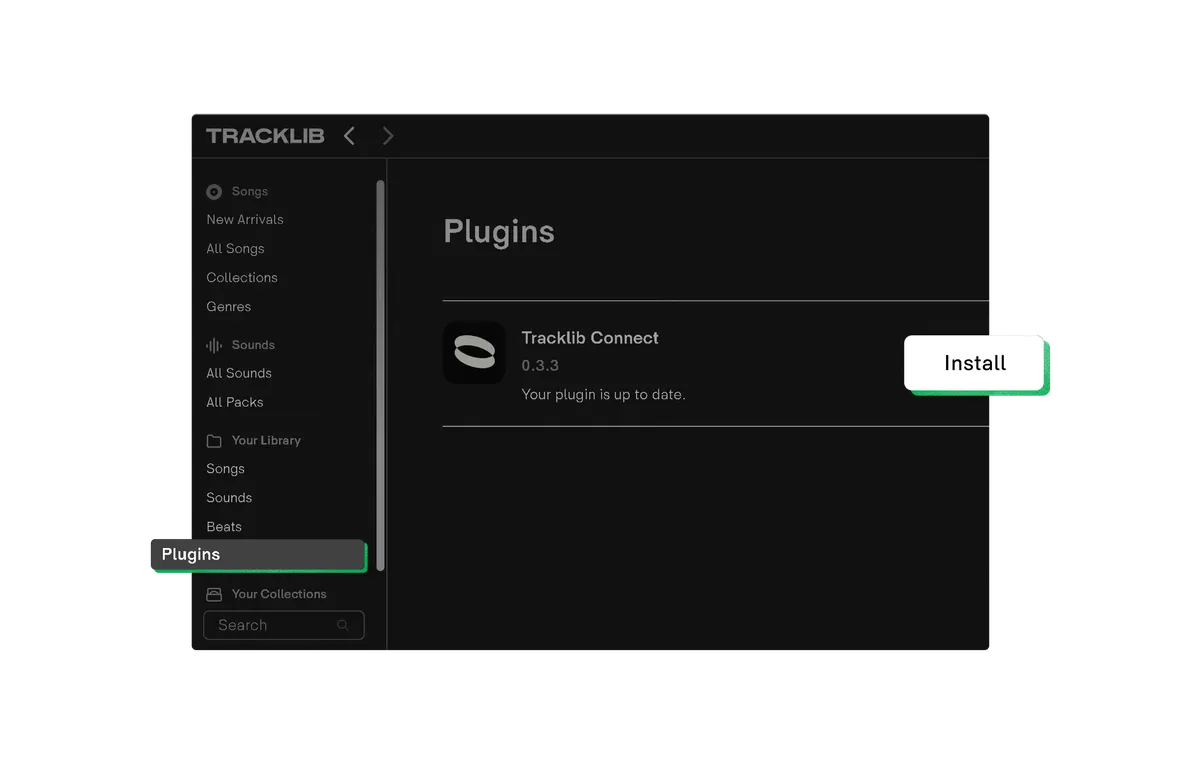
    Install the Tracklib Desktop App. From there you can access the Tracklib Connect plugin for free.

    Download desktop app
  2. 02

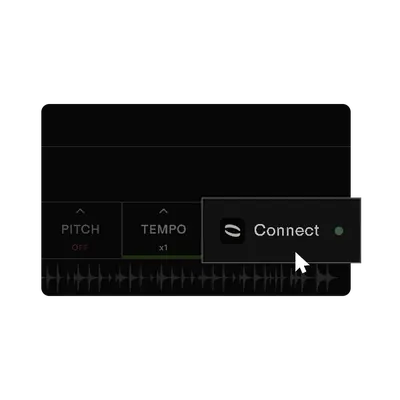
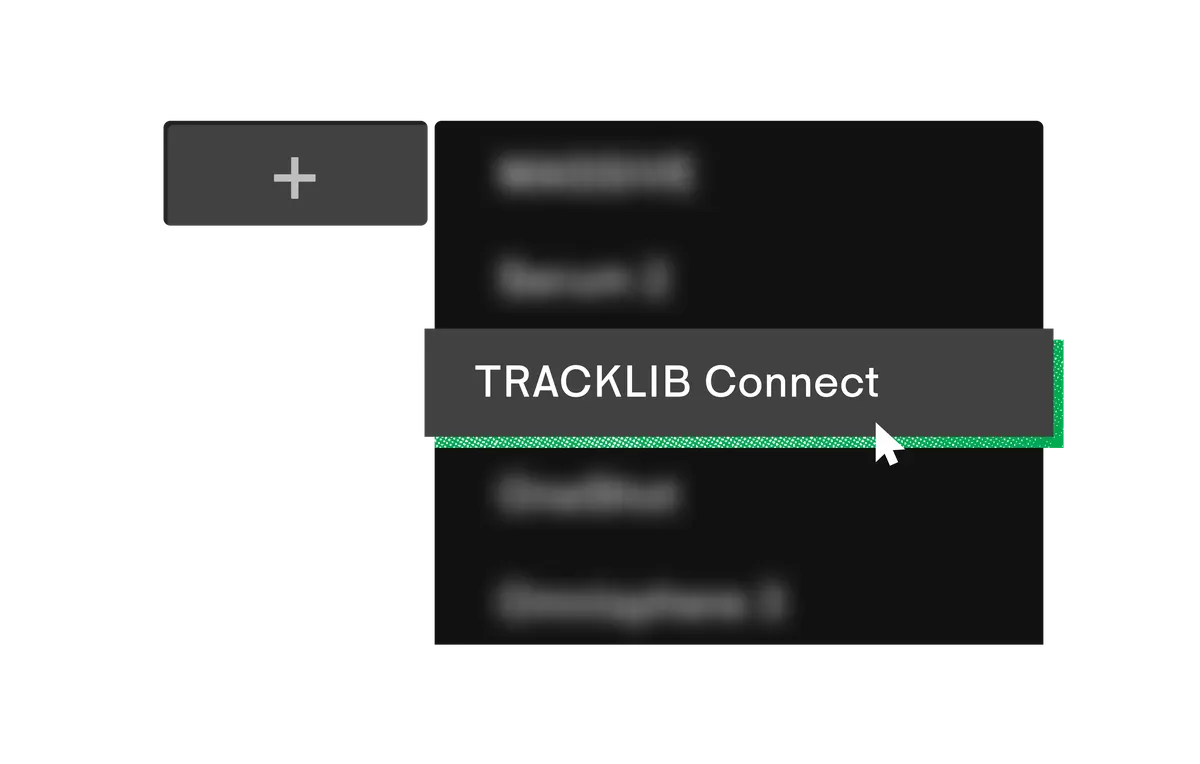
    Add it as a MIDI track instrument

    Install Connect, then add a MIDI track in your DAW and set the instrument to “Tracklib Connect”.

    How to install
  3. 03

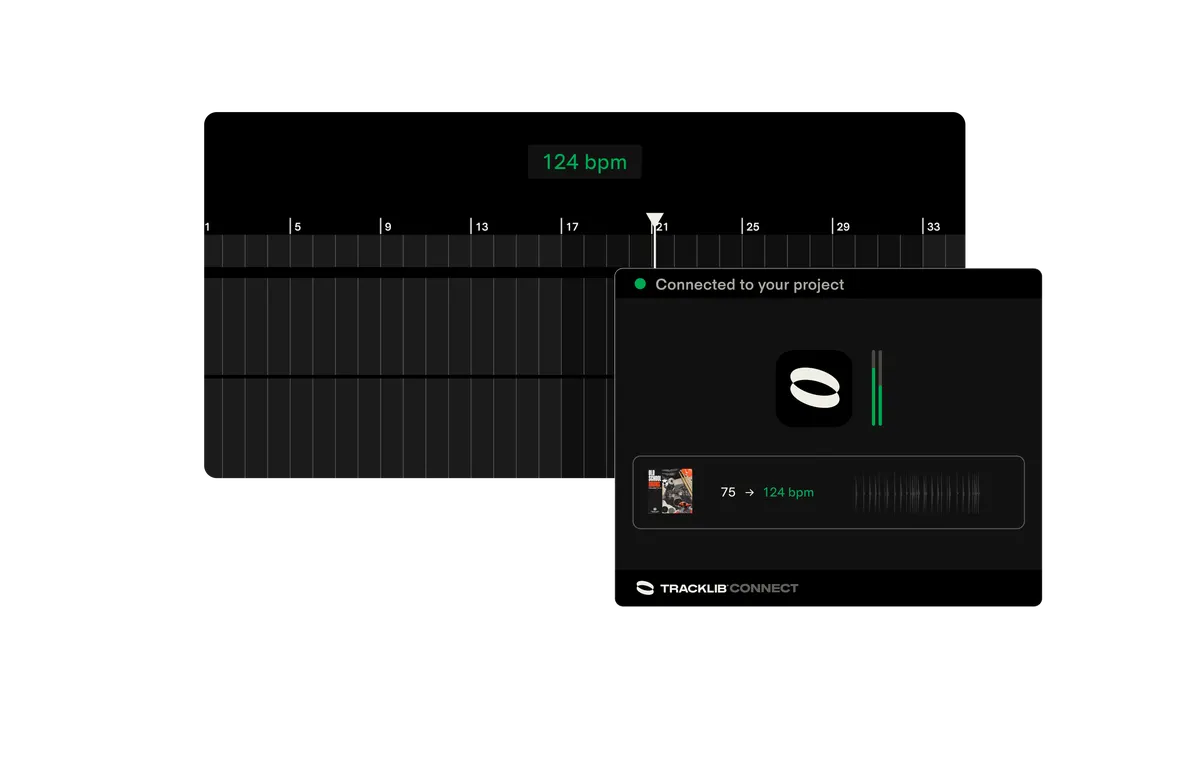
    Preview samples in sync with your DAW

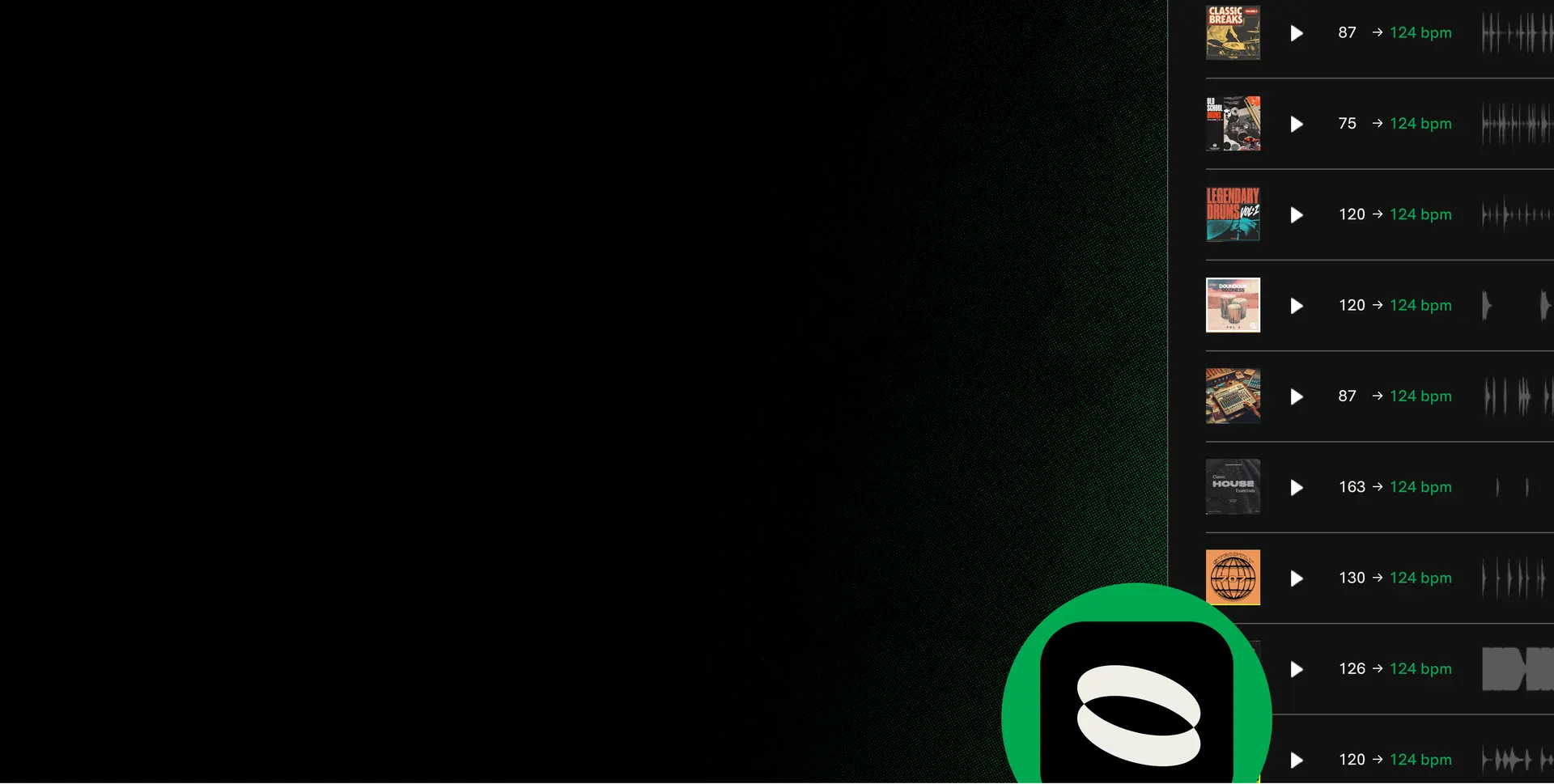
    Hear samples in the context of your project before downloading them - BPM and pitch matched automatically.

    How to use
The benefit

Find the perfect sample faster.

This plugin saves you hours and keeps you in the zone. No more stopping your flow to drag, drop and tweak samples in your project. With Tracklib Connect, every sample is instantly synced - you hear how it sits in your project straight away.
Frequently asked

  • How do I install Tracklib Connect?

    Connect installs from inside the Tracklib Desktop App. Download the desktop app, then follow the in-app prompt to install the plugin into your DAW’s VST folder.

  • How do I use Tracklib Connect?

    In your DAW, add a MIDI track and set the instrument to “Tracklib Connect”. Then browse and preview samples in the Tracklib Desktop App - they’ll play in sync with your project.

  • Is Tracklib Connect free to download and use?

    Yes. Connect is included with any active Tracklib subscription - no extra cost.

  • Does Connect sync BPM and pitch?

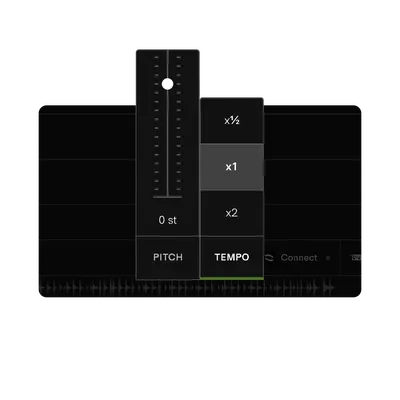
    Yes. BPM is matched to your project tempo, and Connect identifies pitch so harmonic context is preserved as you preview.

  • Does it work with both Songs and Sounds?

    Yes. Connect previews and syncs samples from both the Songs catalog and the Sounds library.

Bring Tracklib into your DAW.

Tracklib Connect is included with any active subscription - install it from inside the desktop app and you’re ready.